Spracheinstellungen für Plattform, Berichte und Dashboards anpassen
Arbeiten Sie in der Sprache Ihrer Marketingagentur und Ihrer Kunden
Passen Sie Dashboards und Berichte an die bevorzugte Sprache Ihrer Kunden an und legen Sie gleichzeitig eine Standardsprache für Ihr Team fest. Ob pro Kunde lokalisiert oder agenturweit einheitlich: Spracheinstellungen schaffen Klarheit, Vertrauen und bessere Kommunikation.
7 Sprachen
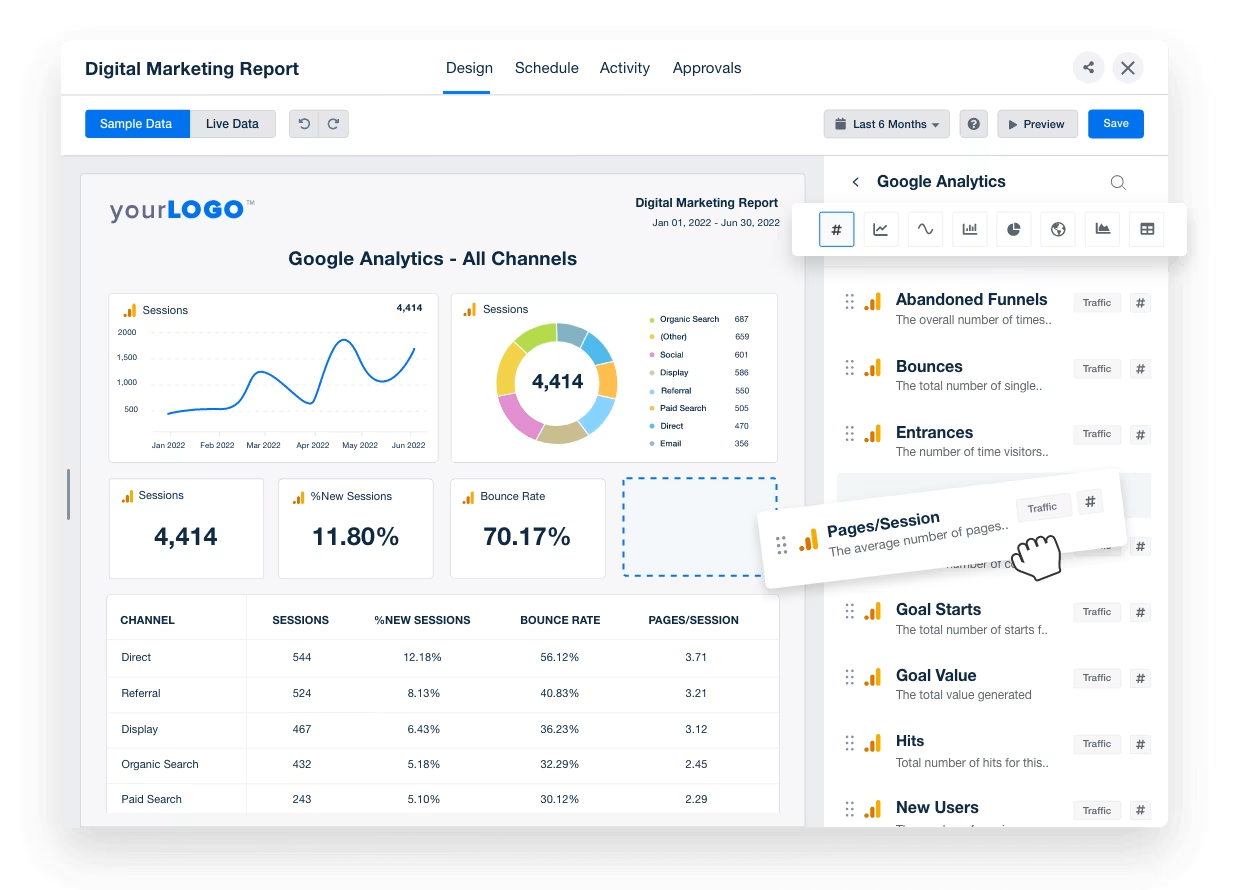
Individuelle Berichte
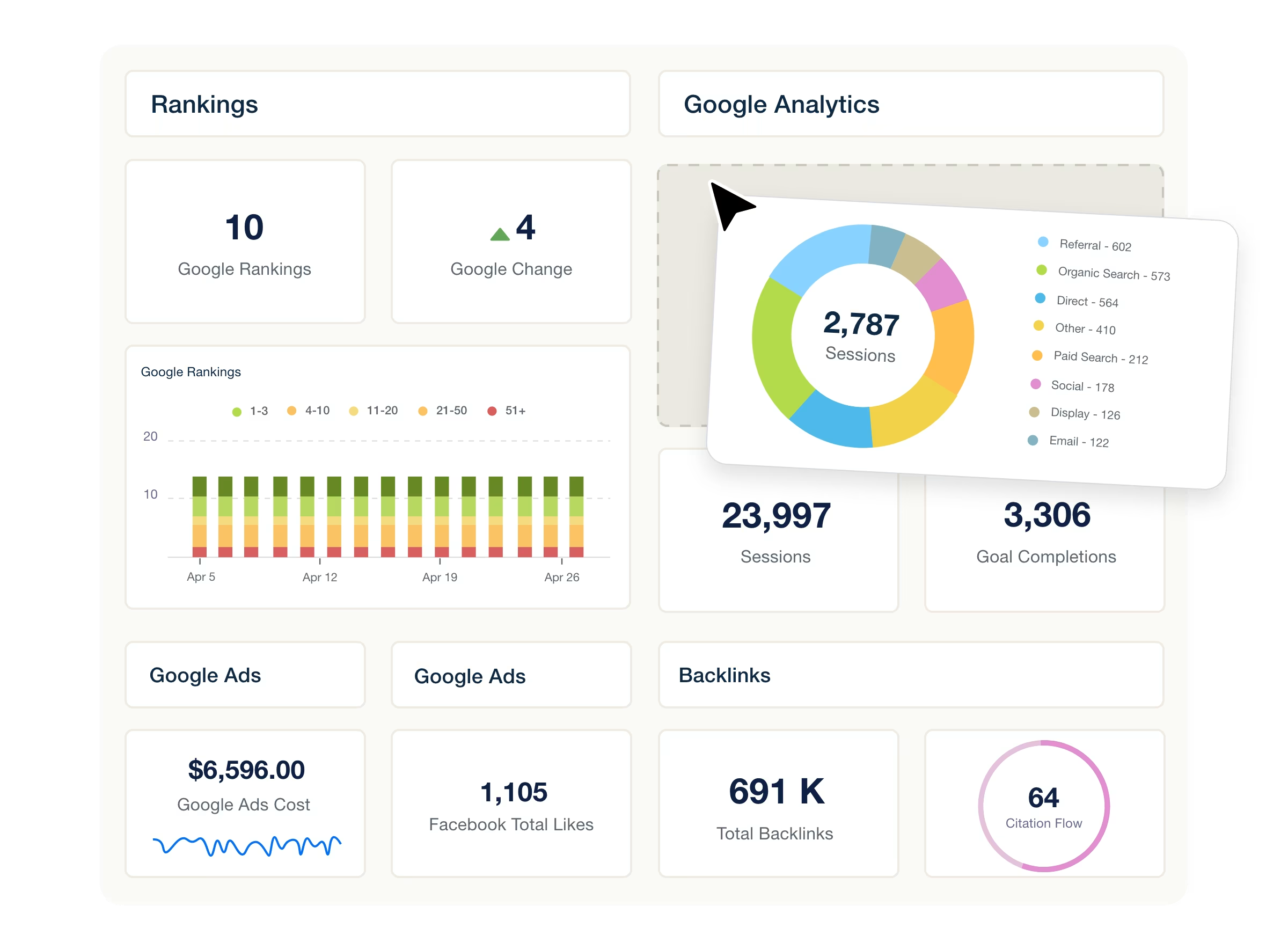
Individuelle Dashboards
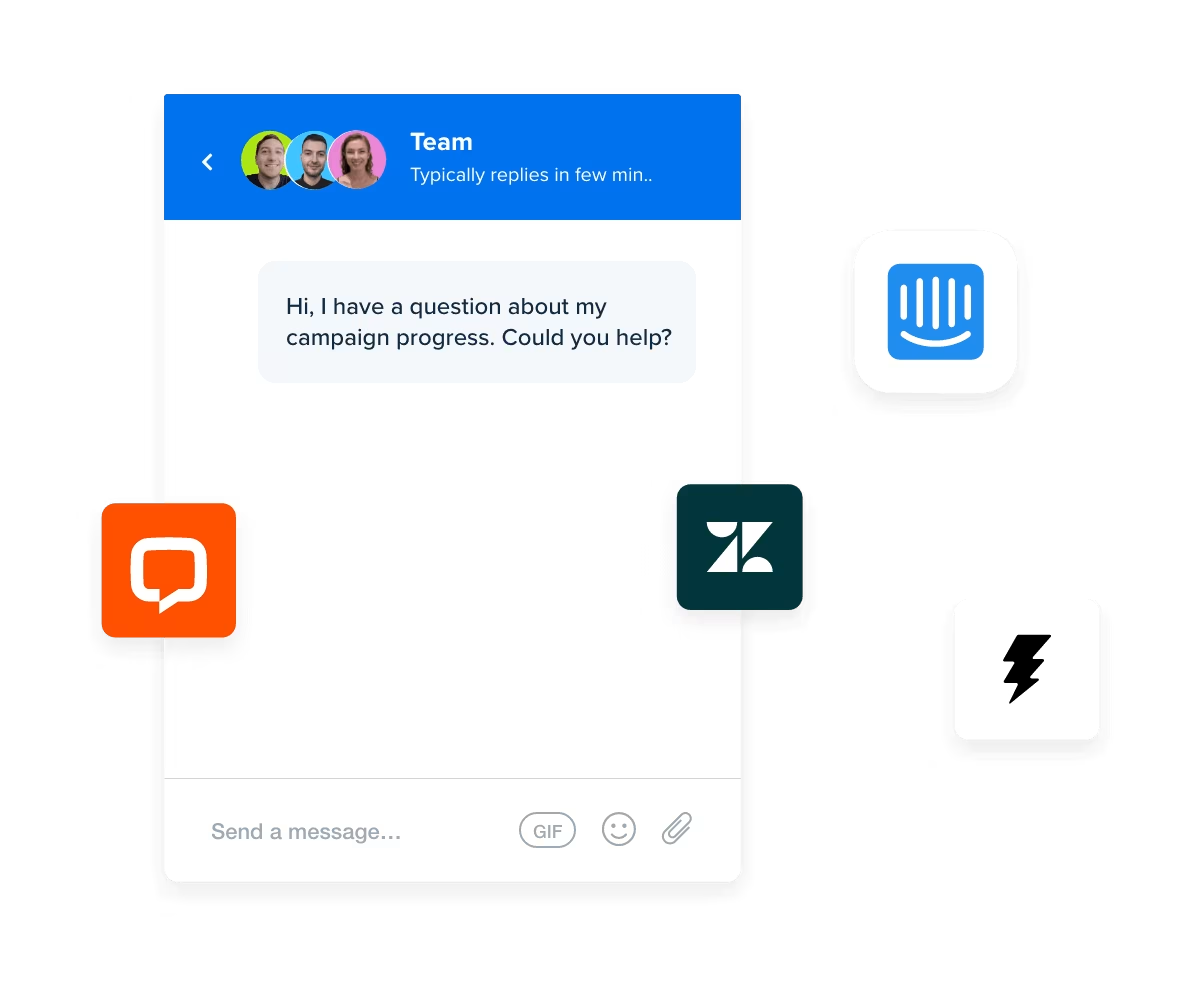
In-App-Chat
Passen Sie die Spracheinstellungen Ihrer Marketingagentur an
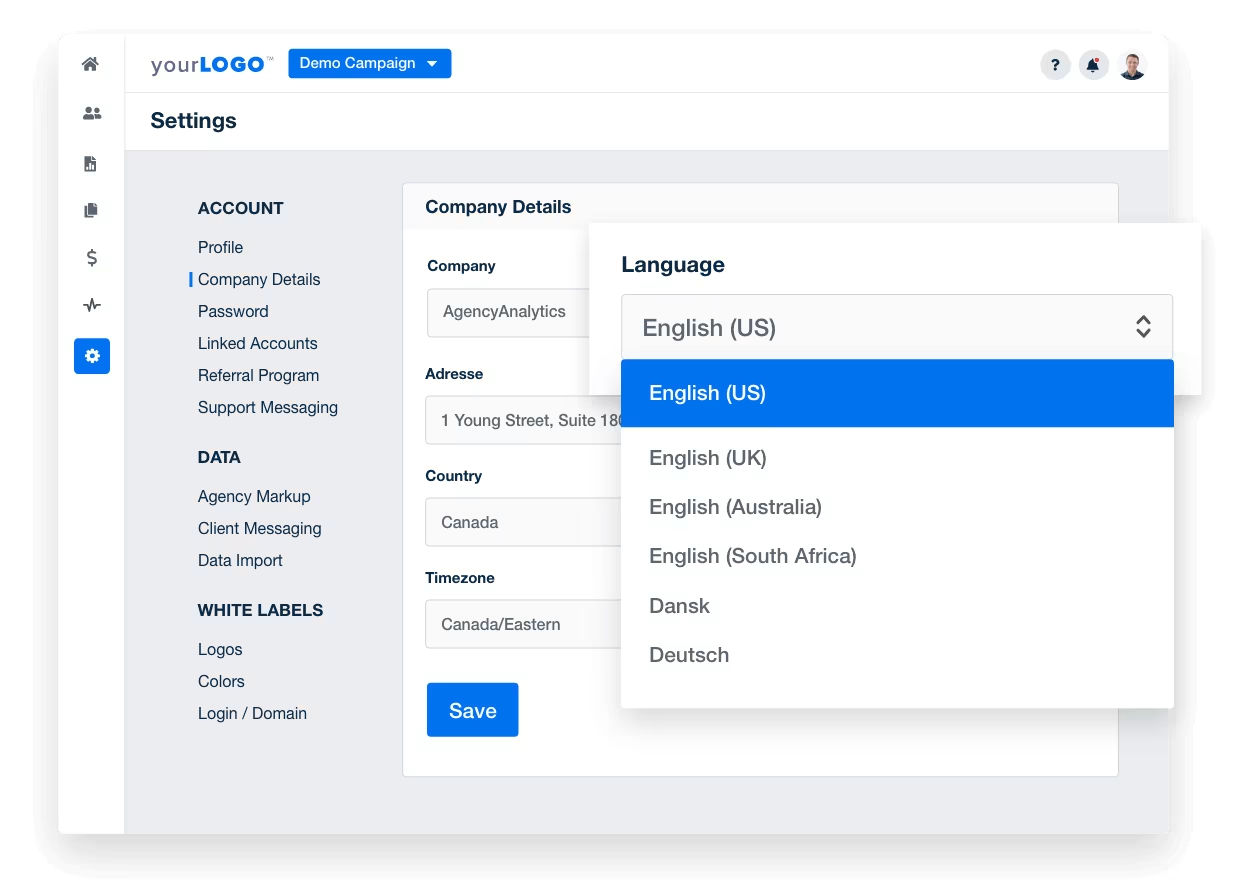
Ändern Sie die Spracheinstellungen auf Kontoebene, um die Zusammenarbeit mit Ihrem Team zu vereinfachen. Ob Spanisch, Französisch oder Deutsch – wählen Sie aus 7 Sprachen, um die Plattform für Ihr Team leicht navigierbar zu machen. Diese Einstellungen gelten für alle Kunden und Berichte und sorgen für eine reibungslose Kommunikation.
Wählen Sie die Sprache für Ihre Kundenberichte
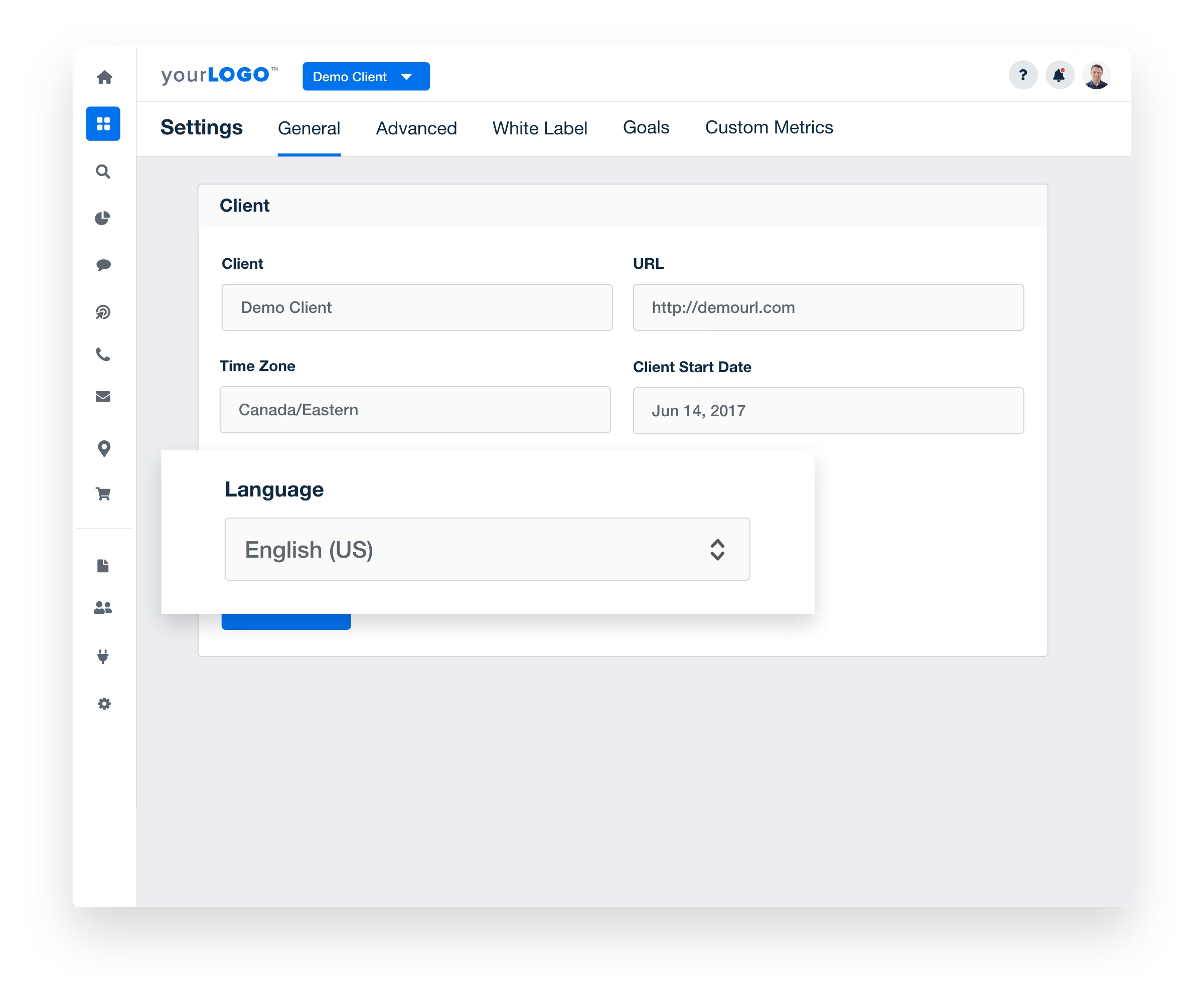
Machen Sie Ihre Marketingberichte verständlicher, indem Sie die Daten in der Muttersprache Ihrer Kunden anzeigen. In bestimmten Plänen verfügbar und auf das gesamte System anwendbar – alle Nutzer sehen Dashboards und Berichte in ihrer bevorzugten Sprache.
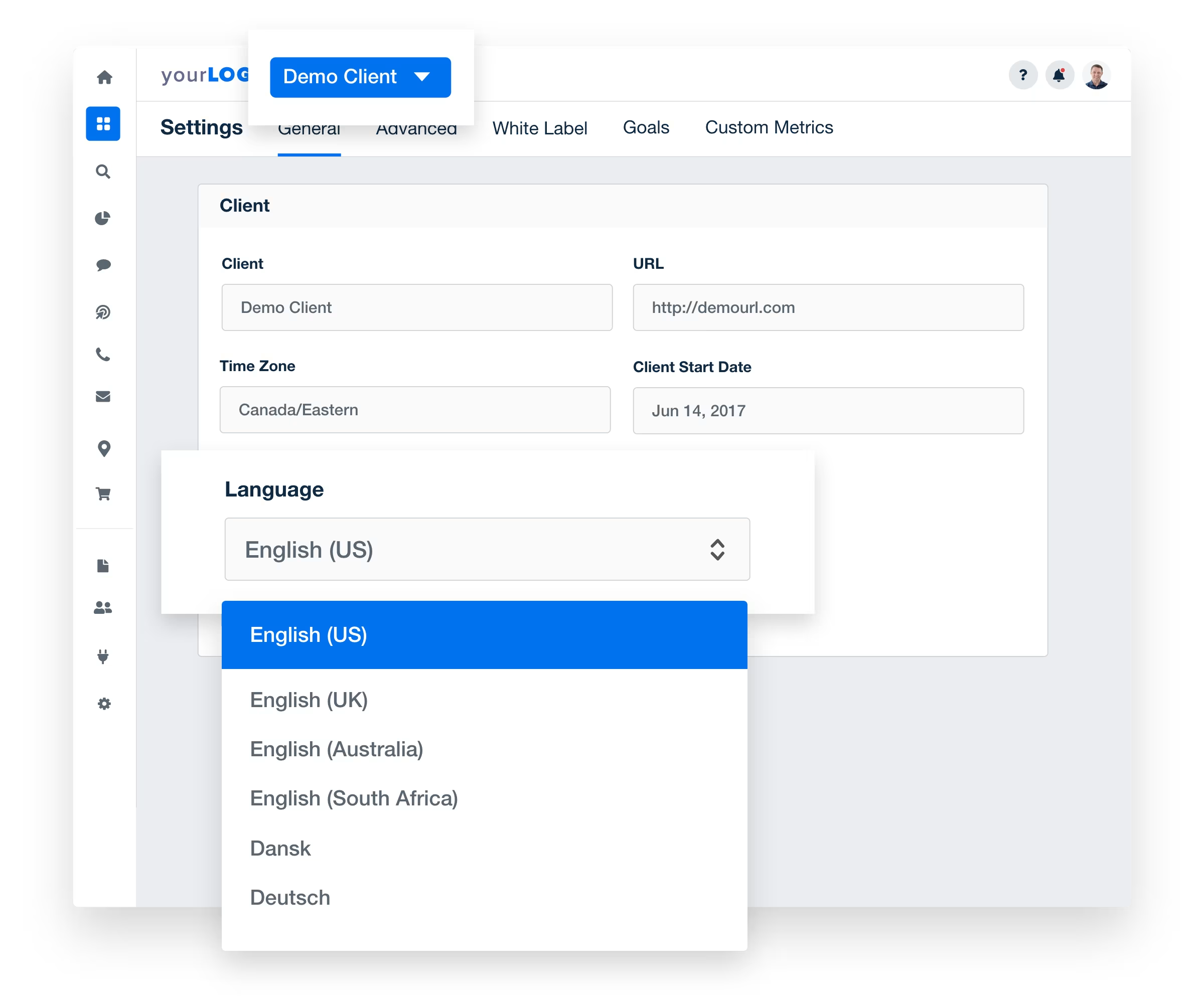
Erstellen Sie individuelle Berichte, die buchstäblich auf die Bedürfnisse Ihrer Kunden eingehen


AgencyAnalytics war für uns entscheidend, um unseren Kunden unsere Marketingmaßnahmen klar darzustellen. Es dient als zentrale Anlaufstelle, um Transparenz darüber zu schaffen, was funktioniert und was nicht.

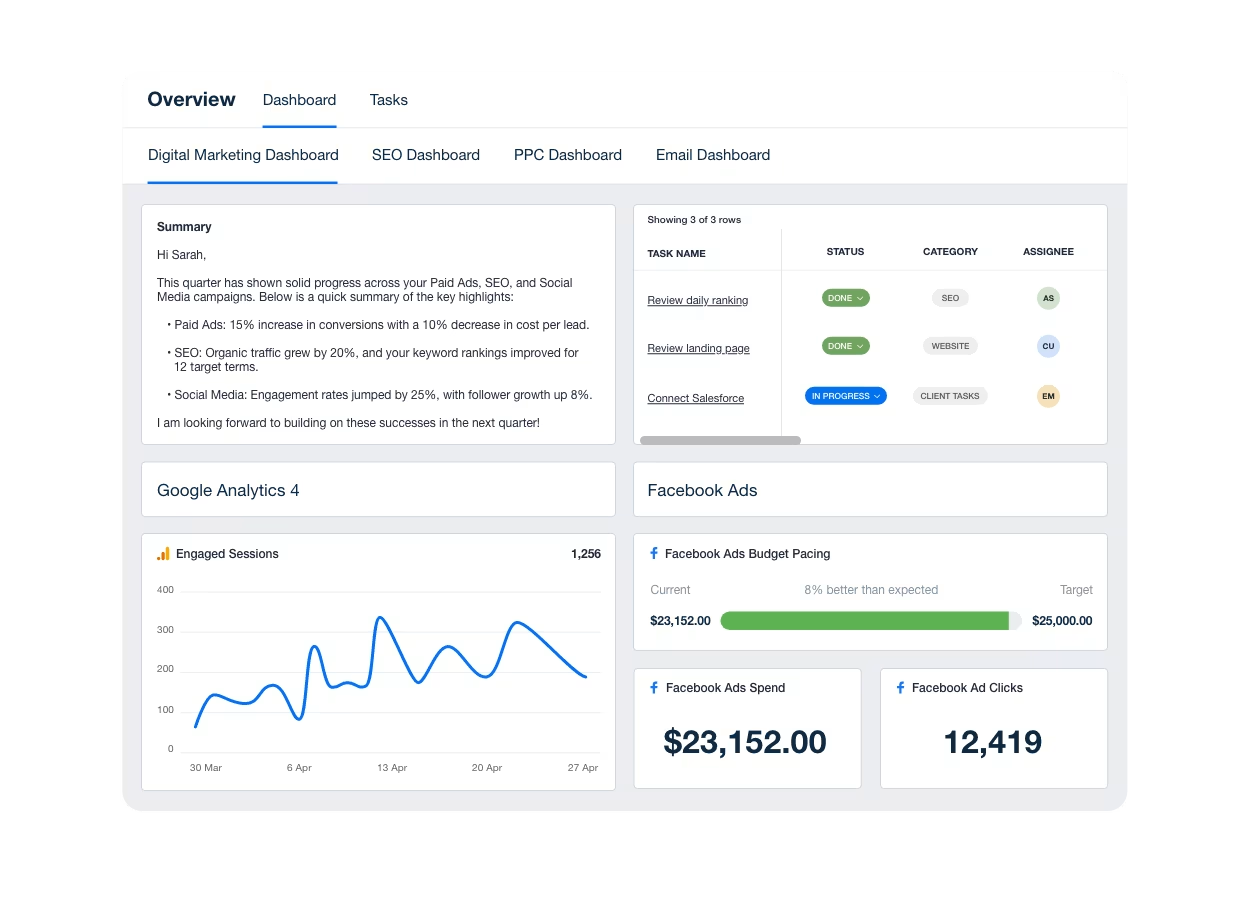
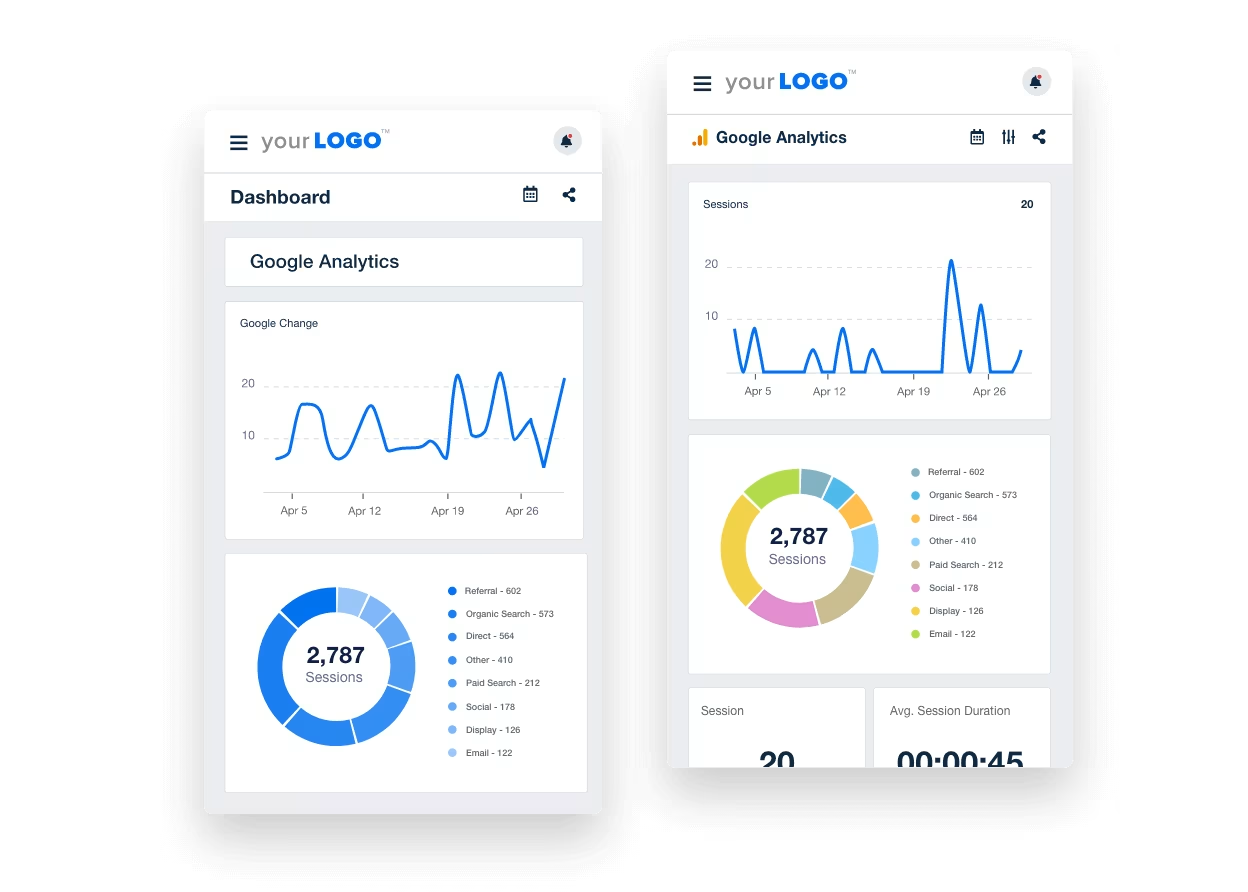
Erstellen Sie in wenigen Minuten White-Label-Dashboards und individuelle Marketingberichte, die exakt auf die Bedürfnisse Ihrer Kunden zugeschnitten sind. Einmal einrichten – und dann das Wachstum Ihrer Agenturdienste beobachten.
Sparen Sie Zeit und skalieren Sie Ihre Agentur mit Teammanagement-Tools. Weisen Sie Aufgaben zu und verfolgen Sie den Fortschritt – alles über Ihre Reporting-Plattform. Erstellen Sie einmalige oder wiederkehrende Aufgaben für jeden Kunden und steuern Sie per Nutzerberechtigung genau, wer was sieht. Übrigens: Ausgewählte Pläne bieten unbegrenzte Client-Nutzer.
Verbinden Sie 90+ Marketingplattformen—von SEO über Social Media bis zu Paid Ads—in einer einzigen markengerechten Übersicht, die Ihre Kunden tatsächlich nutzen. Kein Login-Chaos, keine Erklärungslücken—nur ein klarer, zentraler Blick auf die Kampagnenleistung.
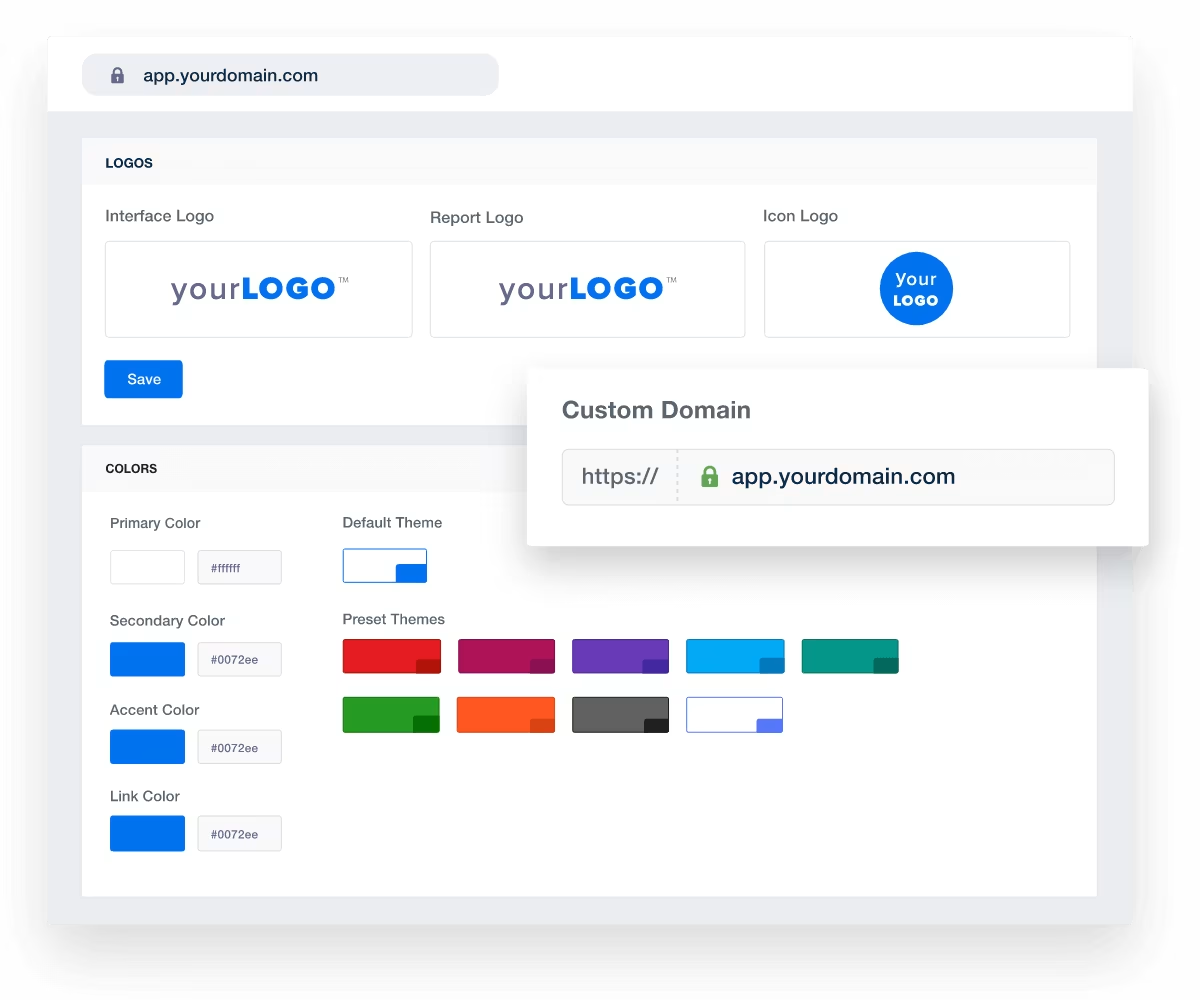
Das White-Label-Tool, dem 7,000+ Agenturen bereits vertrauen.

Fügen Sie das Branding Ihrer Agentur an jeder Stelle hinzu—vom Dashboard-Link bis zu jedem einzelnen Widget. Ob Sie eine oder mehrere Marken verwalten: Ihre Kundenberichte wirken einheitlich, professionell und unverwechselbar.
Vorgefertigte Vorlagen für Marketingberichte und Dashboards ermöglichen einen schnellen Start. Wählen Sie ein Layout, fügen Sie kundenspezifische Widgets hinzu und liefern Sie maßgeschneiderte Insights—ohne bei null anzufangen. Ihr Team spart Zeit, und Ihre Berichte bleiben präzise.
Integrierte Datenvisualisierungen verwandeln Ihre Kundenberichte in klare Geschichten. Nutzen Sie einfache, übersichtliche Diagramme, um Fortschritte sichtbar und Ergebnisse verständlich zu machen—damit Ihre Agentur überzeugt und Ihre Kunden aufmerksam bleiben.
Wenn Sie ein All-in-One-Reporting-Tool für Ihre Agentur suchen, das verschiedene Marketingtaktiken und -kanäle abdeckt, ist AgencyAnalytics die richtige Wahl. Erstellen Sie in nur wenigen Minuten beeindruckende automatisierte Berichte und Dashboards.

Frequently Asked Questions
Yes. AgencyAnalytics sets language once for the whole account and again for each client, so your staff keep the platform in English while that client's dashboards and reports come through in French. The choice applies across the platform. Worth setting it per client at onboarding and forgetting about it.
AgencyAnalytics is available in seven languages: English, Danish, Dutch, French, German, Spanish, and Swedish. The choice changes both the platform your staff work in and the dashboards and reports your clients read, so set it per client where the two differ.
Yes. One AgencyAnalytics report holds sections from every integration connected to that client, so paid, organic, email, and call data land in the same place. If you want the view across several clients at once, that's a roll-up report.
Yes. AgencyAnalytics white labels the whole thing: your logo replaces ours on the login screen and on every report cover and header, your icon becomes the favicon in the client's browser tab, and your colors apply to dashboards and widgets. Reports can be served from your own domain, and it's a one-time setup.
Yes. AgencyAnalytics takes anything you keep in a Google Sheet straight onto a dashboard or report, and custom widgets cover the rest as a stat or a simple text or image block. You can also request an integration; agency votes decide what gets built next.
Yes. An AgencyAnalytics report or dashboard shared as a link opens read-only with no sign-in. Put it on a schedule if they'd rather it just turned up, or give them a portal login if they like to dig into the numbers themselves. Client and staff users are unlimited, so it costs nothing either way.
Usually not. Ask your client to add you as a user on their own accounts with the access AgencyAnalytics needs, then connect under your own login. If they'd rather hang onto their passwords, set them up as a Client User and they connect everything themselves.
Yes. Put a KPI target on the metric and AgencyAnalytics posts to your in-app notification inbox when the target is met, or when the number moves far enough to be worth a look. Set it on one client or across the whole account.
Yes. When an integration disconnects, AgencyAnalytics notifies every user with access to that client, in their in-app inbox. Same whether the authorization lapsed or someone changed permissions at the client's end, so you hear about it before they do.