LinkedIn Ads Reporting Tool & Analytics Dashboard
Bring LinkedIn Ads data into focus
Go beyond default LinkedIn Ads reports. The LinkedIn Ads reporting tool transforms raw campaign metrics into beautiful, client-friendly analytics dashboards that reveal what’s working, what needs optimizing, and where your ad budget delivers the best results.
PPC Metrics
Monitor Conversions
Audience Insights
Analyze Performance
Easily Monitor Campaign Performance
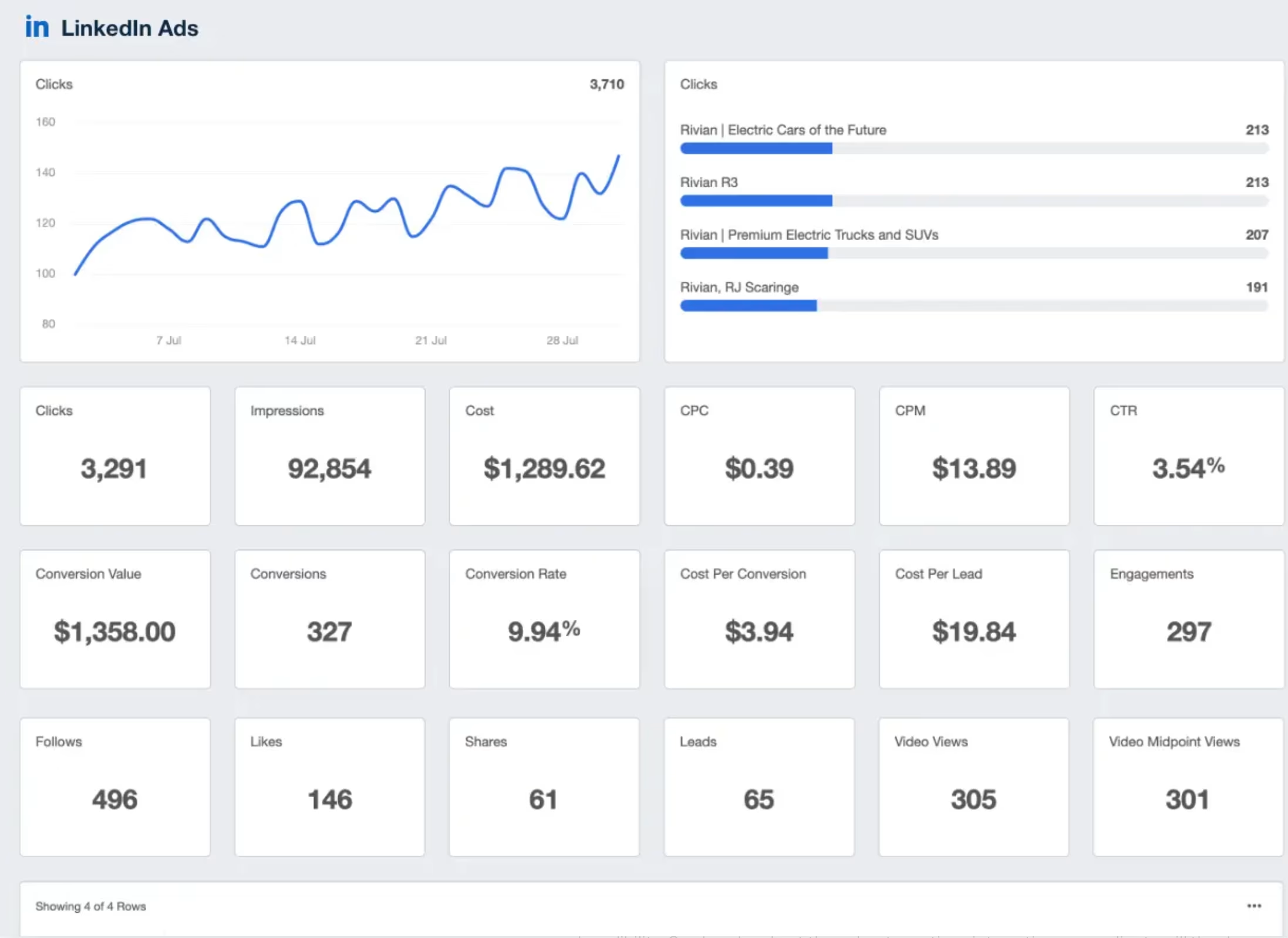
Manage multiple clients across a variety of platforms? Staying up-to-speed with all as a campaign manager can be a struggle! Make it easy to monitor campaign performance for every client with a single, powerful client reporting platform.
Identify and track performance metrics and reduce the number of times your agency has to log in and out of client platforms to gather campaign metrics.
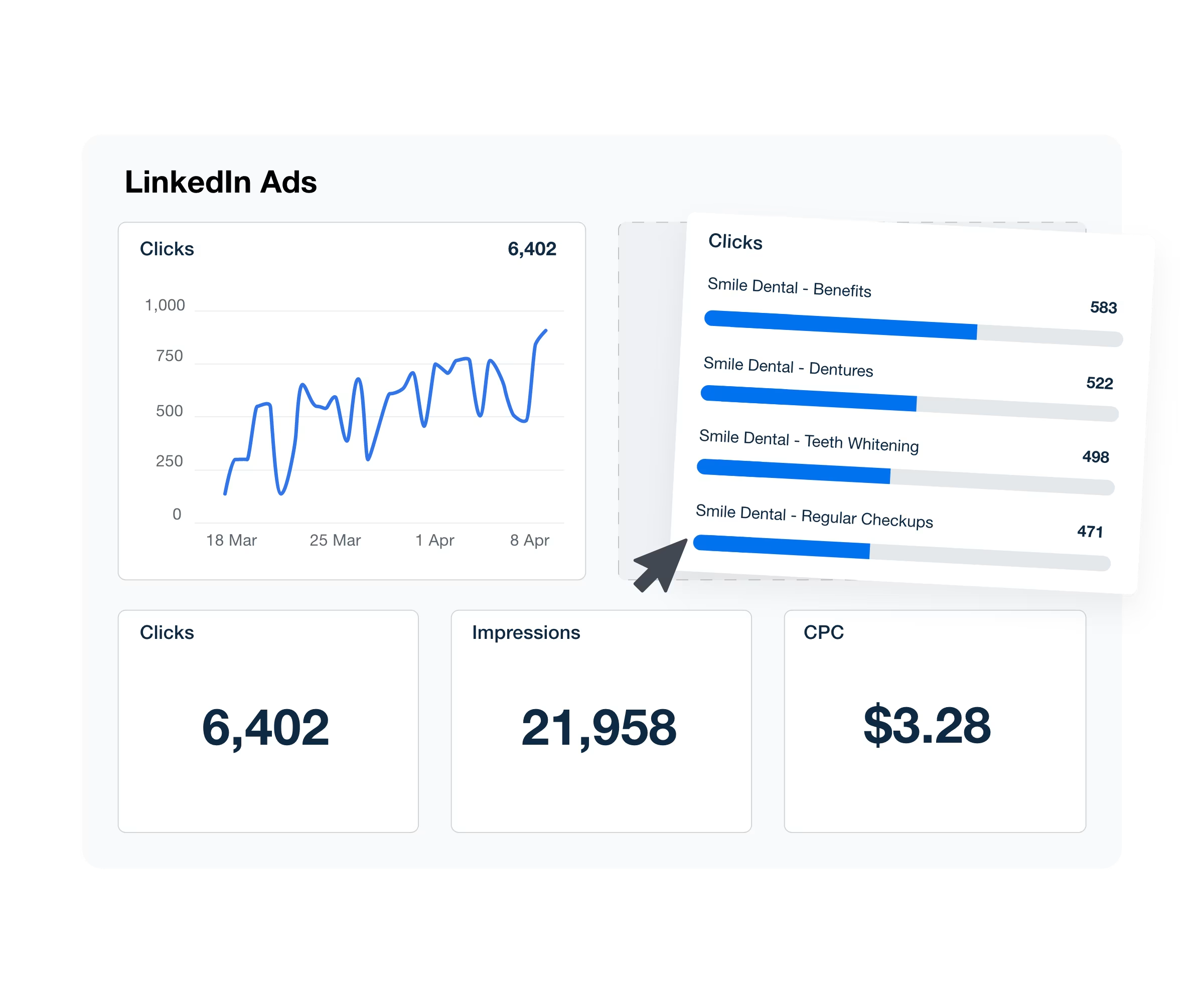
Explore All Available LinkedIn Ads Metrics
- Action Clicks
- Ad Unit Clicks
- Clicks
- Contact Info Shares
- Conversion Rate
- Conversion Value
- Conversion Value Currency
- Conversions
- Cost
- Cost Currency
- Cost Per Conversion
- Cost Per Conversion Currency
- Cost Per Lead
- Cost Per Lead Currency
- CPC
- CPC Currency
- CPM
- CPM Currency
- CTR
- Date
- Engagement Rate
- Follows
- Impressions
- Lead Form Completion Rate
- Lead Form Opens
- Leads
- Likes
- Open Rate
- Opens
- Sends
- Shares
- Total Engagements
- Video Complete Views
- Video Midpoint
- Video Views
- Viral Lead Form Opens
- Viral Leads
Track & Visualize Ad Performance With Clarity
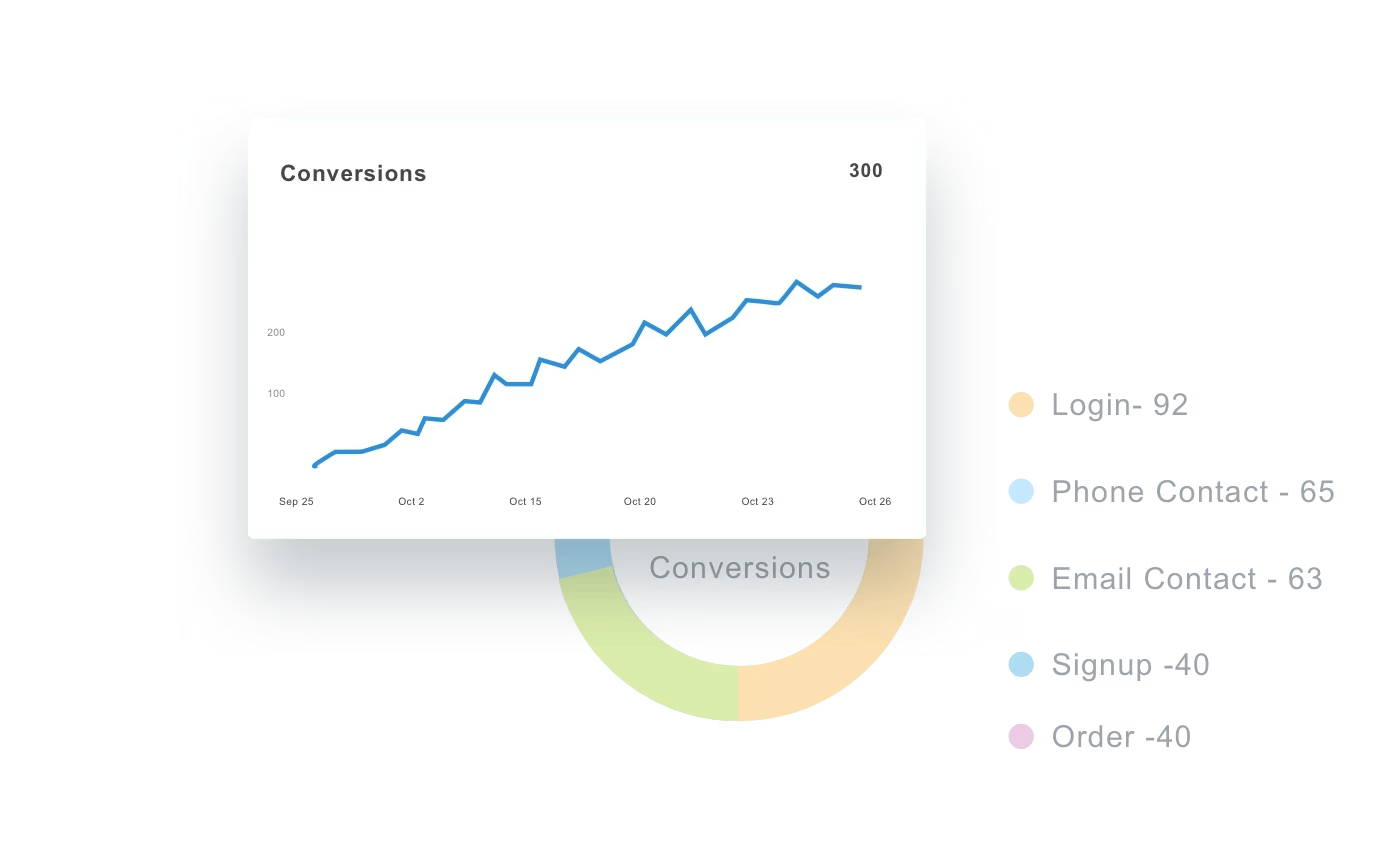
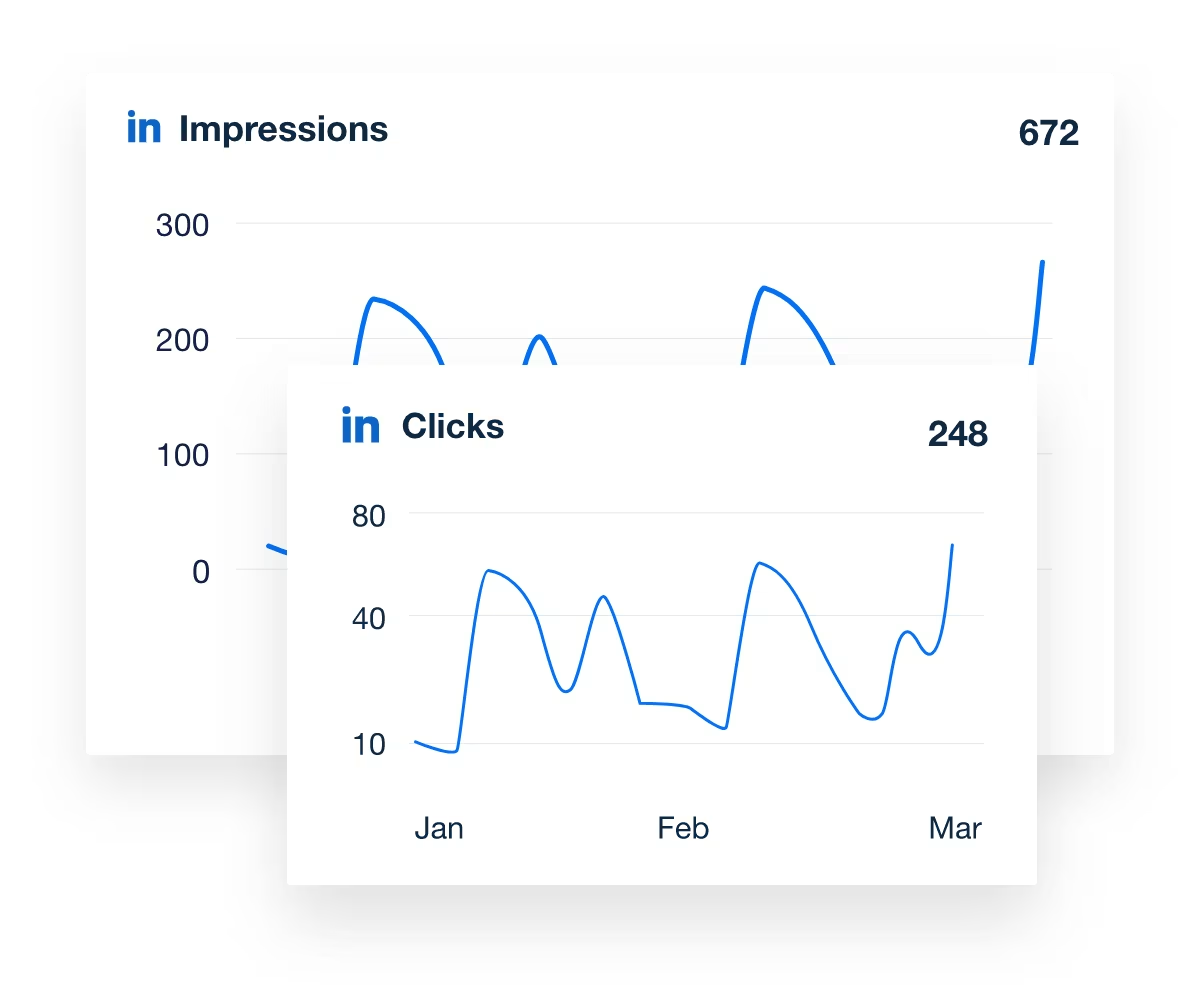
Monitor every key metric—clicks, conversions, CTR, and cost—across all client accounts in one dashboard. The LinkedIn Ads analytics tool provides your agency with a comprehensive, at-a-glance view of ad performance, eliminating the need to switch between platforms or export reports.
Quickly identify top-performing ad creatives, track engagement trends, and optimize for higher ROI using clear data visualizations your clients will actually understand.
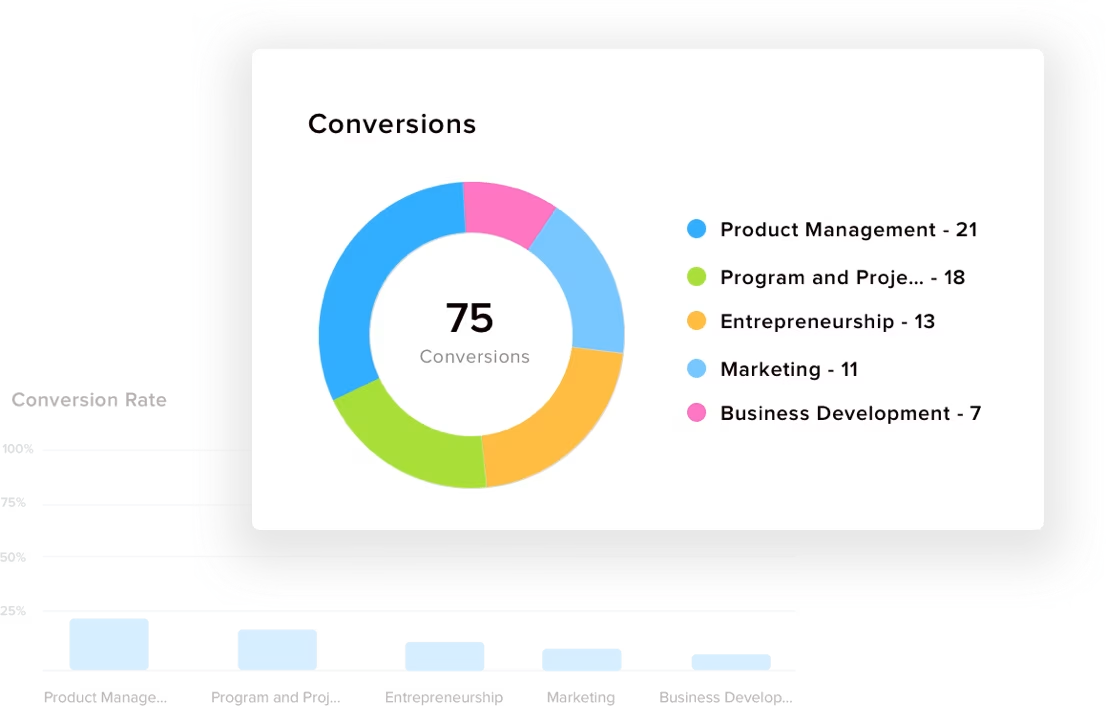
Understand Who’s Engaging and Why It Matters
Go beyond clicks to understand audience quality. Analyze LinkedIn Ads demographics by industry, job function, seniority, and company size to ensure your campaigns reach the right professionals.
Use these detailed performance metrics to refine targeting, allocate ad spend strategically, and deliver high-intent leads that align with your clients’ business goals.
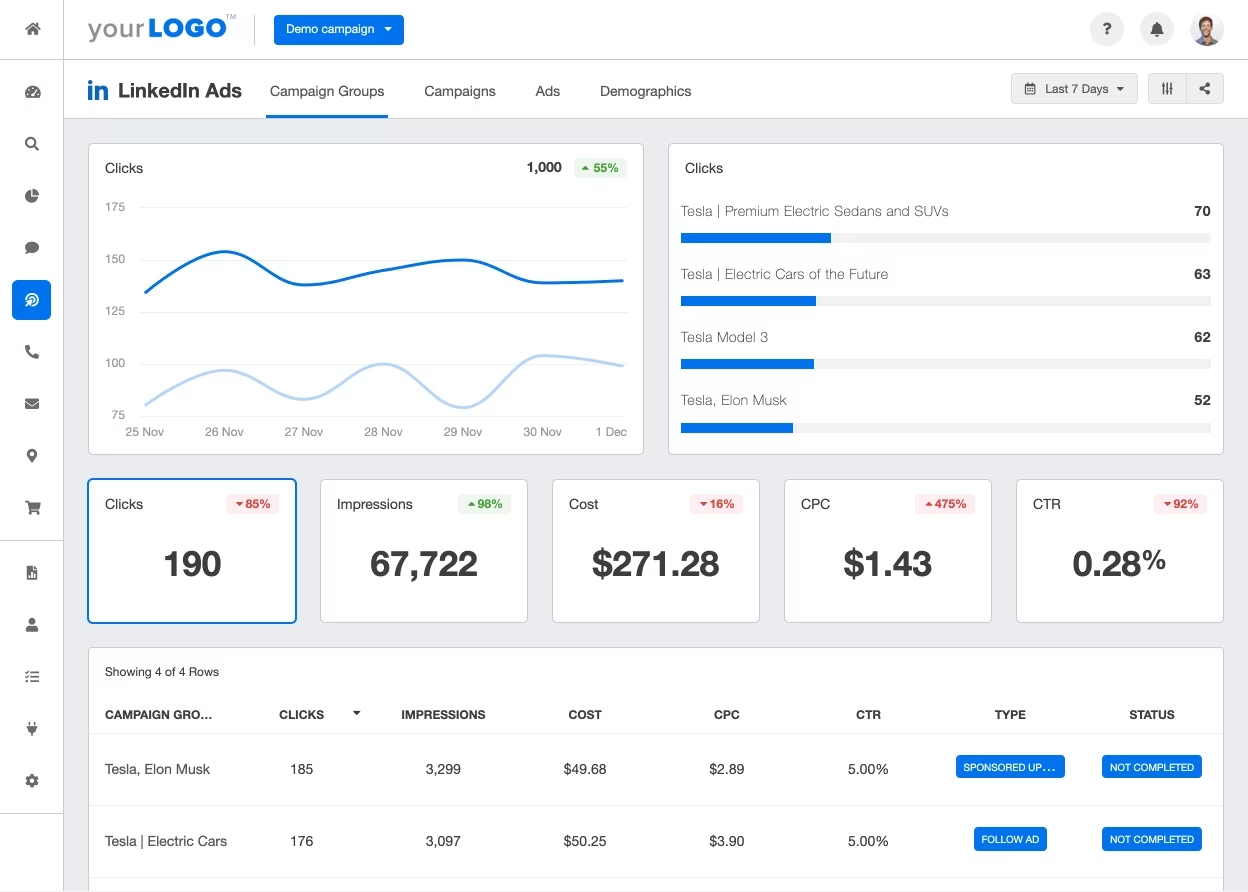
Show Clients Their Campaign Performance Live
With live dashboards, agencies and clients access up-to-date data on impressions, conversions, and spend anytime—without logging into multiple platforms.
Track video ads, lead generation forms, carousel image ads, and engagement metrics in one view. Deliver total transparency and eliminate confusion about campaign performance, all within a fully branded client experience.
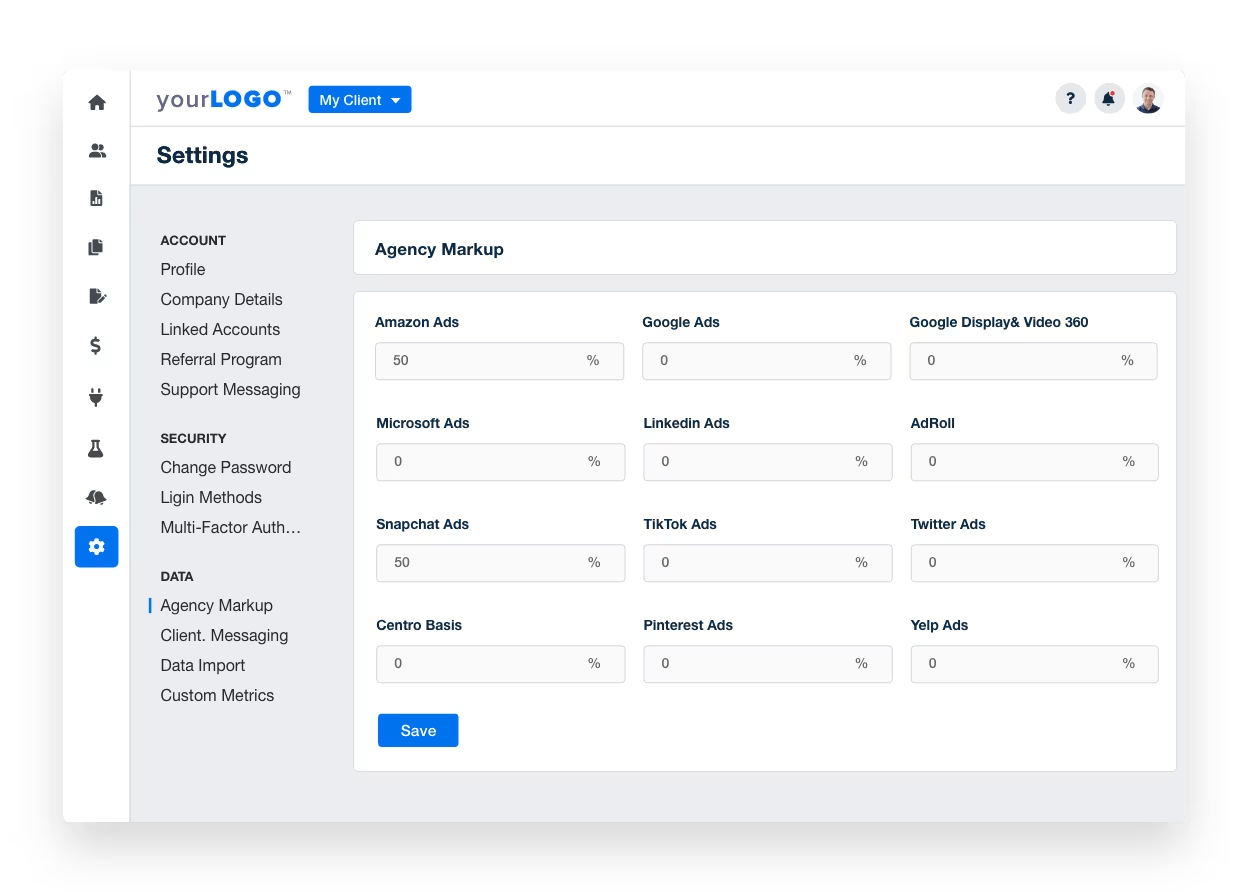
Add PPC Markup to Client Reports
If you charge PPC clients a percentage of spend, best practice is to include that markup percentage in any cost/spend metrics that you report to clients. Analyzing how ads perform is key for evaluating the effectiveness of advertising campaigns, but the total cost (including your agency’s markup) is what will impact their bottom line.
Easily add either a single margin % account wide, or to configure a custom margin for each individual customer.
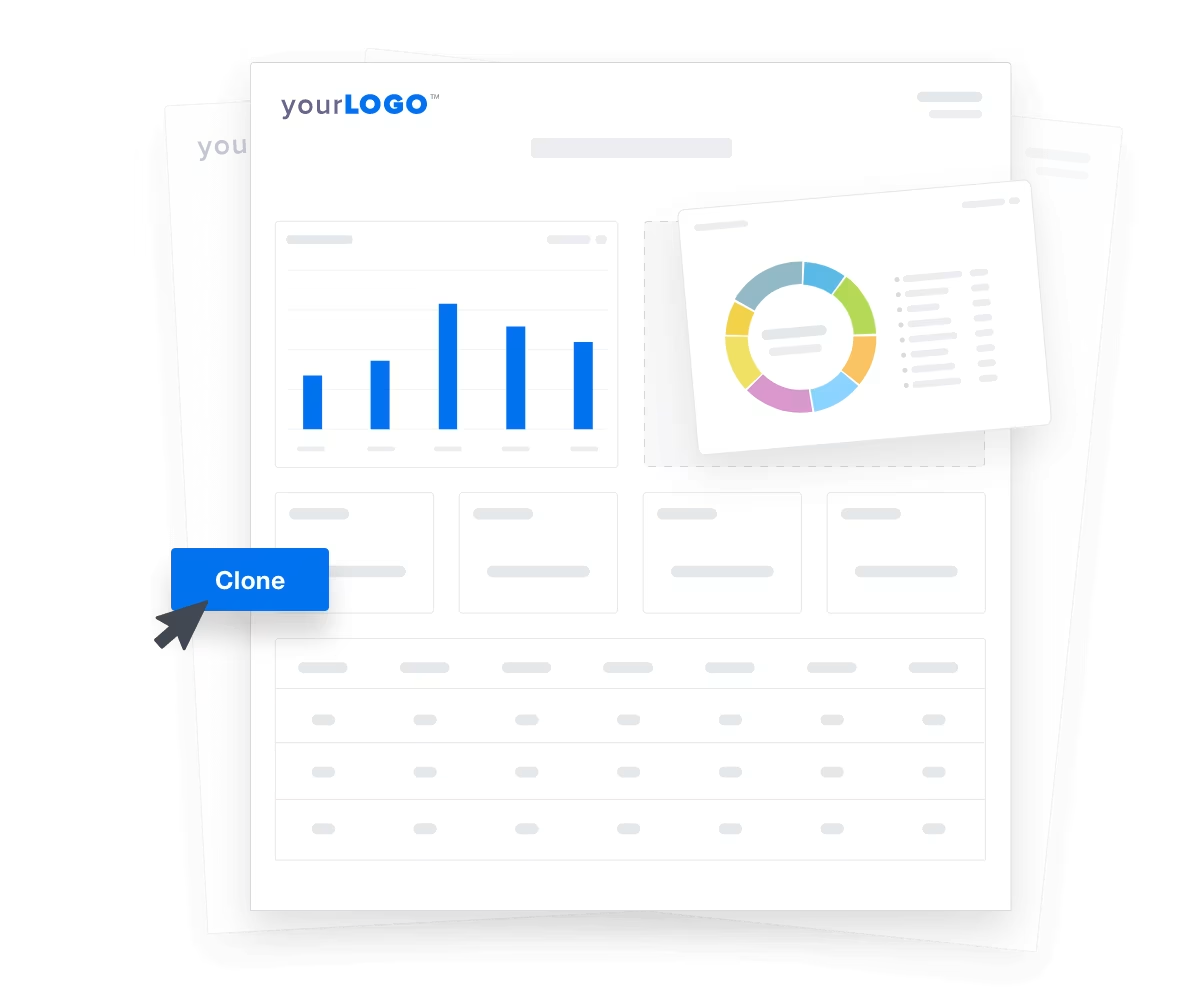
LinkedIn Ads Reporting, Simplified
Managing LinkedIn Ads campaigns is challenging enough without adding complicated reporting to the mix. With AgencyAnalytics, generating clear, insightful LinkedIn Ads reports is as easy as a few clicks.
Automatically pull in campaign data, customize the layout to match your client’s needs, and present metrics that matter—all in one streamlined platform. Save time on every report while keeping your clients fully informed and confident in their campaign’s performance.
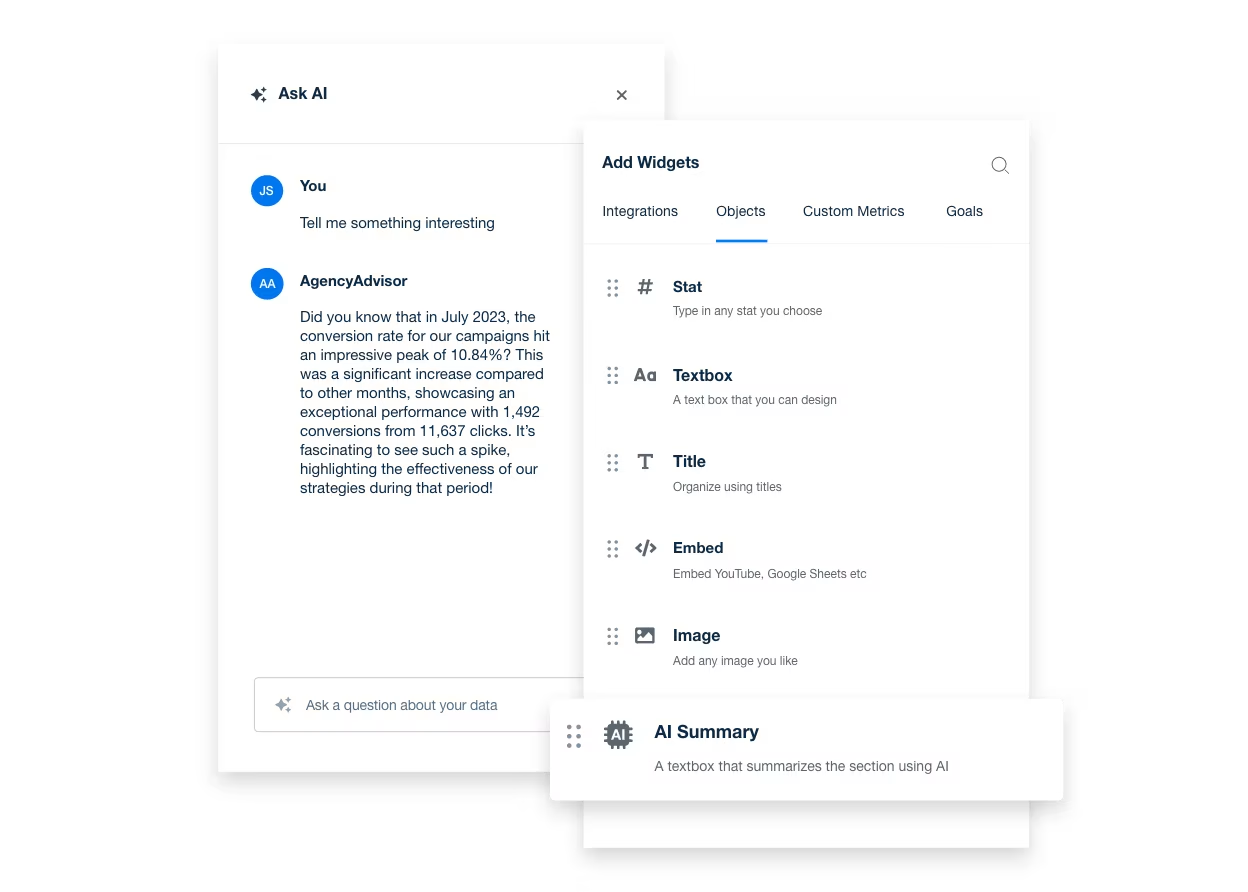
Uncover LinkedIn Ads Campaign Trends Instantly With AI Insights
Skip manual analysis and let AI do the heavy lifting. With AgencyAnalytics’ AI suite, your agency automatically identifies underperforming campaigns, ad fatigue, or cost inefficiencies.
Ask AI surfaces actionable insights—from audience segments to keyword opportunities—while AI Summary transforms complex performance data into client-ready takeaways.
Spend less time crunching numbers and more time driving strategy.
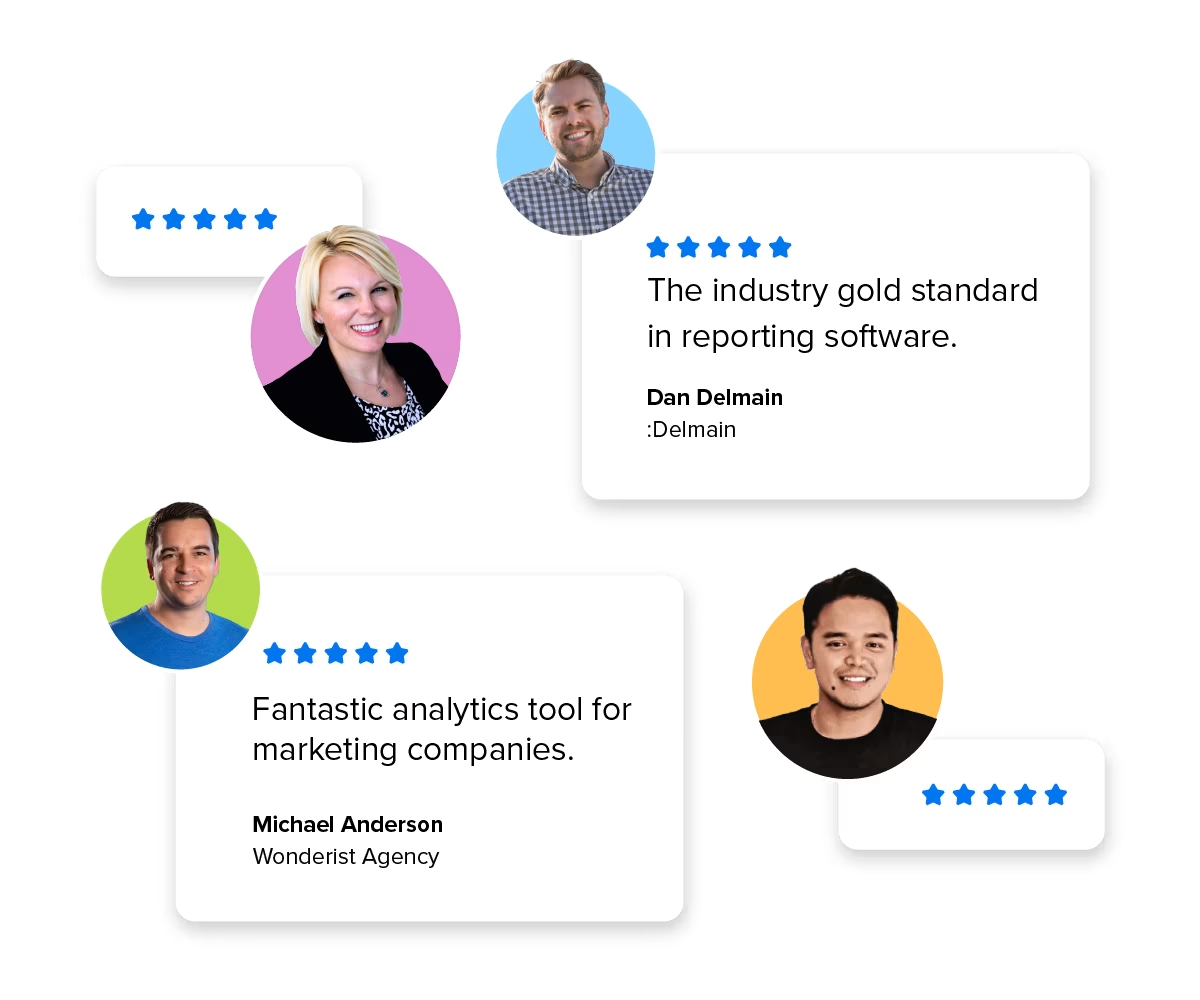
Trusted by 7,000+ Agencies Worldwide
Join thousands of agencies using AgencyAnalytics to streamline LinkedIn Ads reporting and scale client communication.
From boutique teams to enterprise firms, marketers trust our white-label dashboards, AI-powered analytics, and cross-channel insights to deliver polished, shareable reports that prove ROI—and save hours every reporting cycle.

AgencyAnalytics helps with reporting that scales to any size. It’s simple and easy to add keywords and track progress, compare analytics to previous periods, and integrate email, social, PPC, and Google Analytics into one platform.

Seamlessly apply your agency’s logo, colors, and branding across all reporting tools. The platform’s flexibility lets you create dashboards and custom marketing reports that consistently reflect your brand’s identity in every detail.
Tailor the design of client-facing materials to deliver a cohesive, professional experience, positioning the platform as an extension of your agency. With AgencyAnalytics, your reports do more than present data—they reinforce your brand and elevate the client experience at every touchpoint.
Instantly combine multiple data sources in a comprehensive view of your agency’s marketing efforts by integrating LinkedIn Ads data with metrics from over 90 other platforms. AgencyAnalytics makes it easy to seamlessly merge data from multiple channels, providing a holistic understanding of campaign performance.
Easily create comprehensive reports that highlight cross-channel insights, helping clients see the full impact of their marketing strategy. Deliver unified, data-driven reports that elevate your agency’s analytical capabilities and showcase the broader story behind your client’s success.
Impress clients with a custom login to their own dashboard. You decide which metrics each client can access, letting you keep your clients informed and up to date, and control the narrative for each reporting cycle.
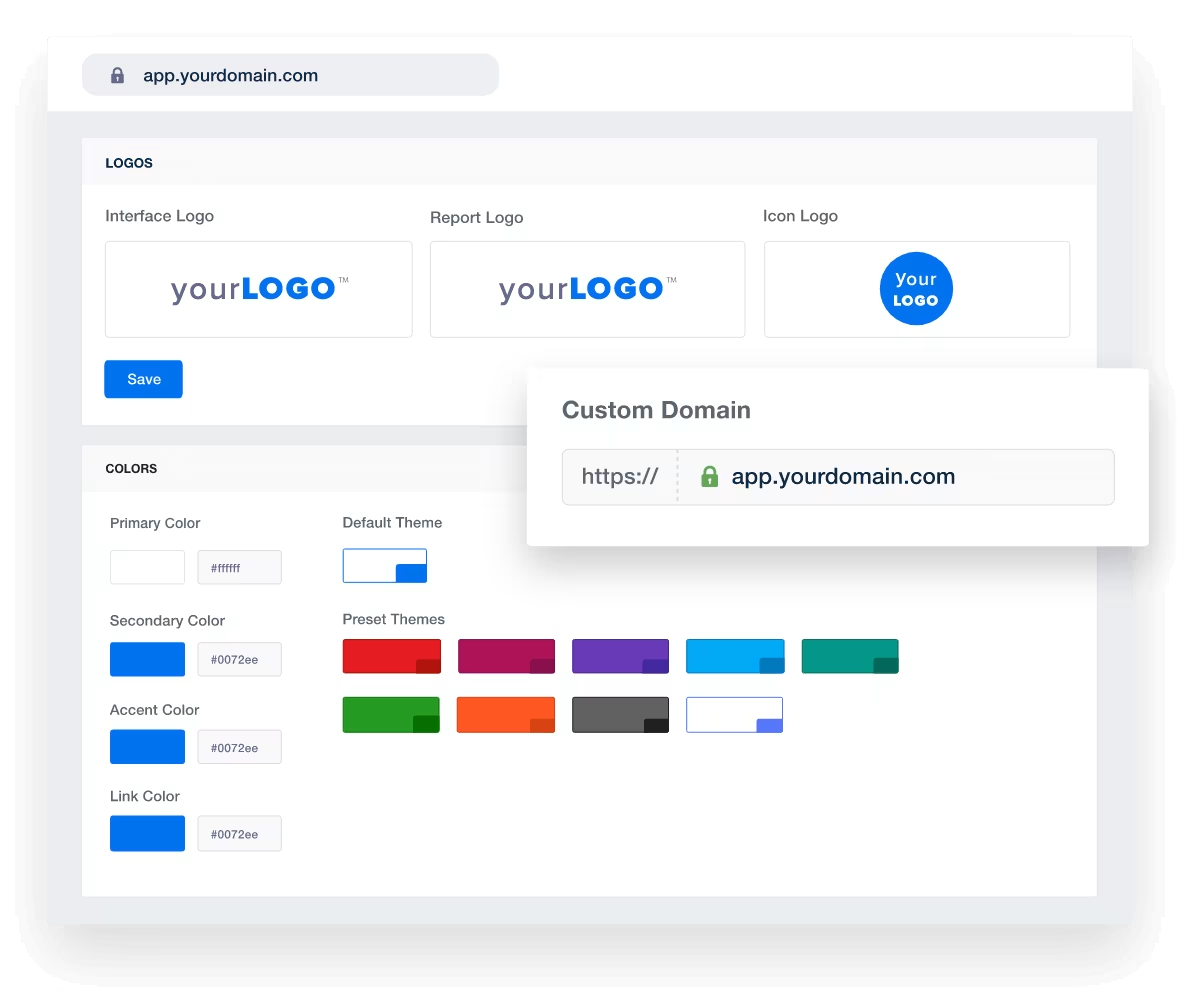
Discover the white label reporting tool trusted by 7,000+ marketing agencies.

Engage clients with visually stunning charts and graphs, crafted by UX experts to spotlight key metrics in your LinkedIn ad campaigns. Elevate your reports with eye-catching, reliable displays of up-to-date LinkedIn KPIs, like average spend, to clearly demonstrate the value your agency delivers.
Stay on top of your client’s success by setting custom goals and adding insightful annotations to your LinkedIn Ads reporting. Easily define specific metrics that align with your client’s objectives, and monitor progress in real-time.
With clear goal tracking and detailed annotations, your agency can highlight key milestones, adjust strategies on the fly, and provide clients with a transparent view of their campaign’s journey.
Deliver 100% white labeled reports daily, weekly, or monthly. Each report features your agency’s branding and is designed to impress! Tracking LinkedIn Ads performance through reports and dashboards is key to evaluating and enhancing your client’s LinkedIn ad campaigns and building client trust.
Utilize performance reports and analytics to improve ad effectiveness, drive data-backed decision making, and improve agency-client relationships.
AgencyAnalytics allows us to make data-informed decisions quickly. Clients also have access to an all-in-one marketing dashboard to see how each channel performs. This allows us to work together and optimize campaigns to get clients the best ROI.

FAQs About LinkedIn Ads Reporting for Marketing Agencies
B2B ad performance deserves clarity—not complexity. These FAQs help agencies pinpoint campaign ROI, sharpen audience strategy, deliver branded reporting, and scale across accounts.
Yes. AgencyAnalytics holds several accounts from the same platform under one client, and each widget points at the account you choose. Handy when a client runs two ad accounts or a few locations. Support varies by integration, and the accounts per integration guide has the list.
AgencyAnalytics connects to LinkedIn Ads with access to at least one LinkedIn Ads campaign. It brings six months of history with it, so the first report isn’t starting from scratch. Full steps are in the LinkedIn Ads connection guide.
AgencyAnalytics reports LinkedIn Ads ad analytics, with Impressions, Clicks, Conversions and Cost Per Lead among the fields you can place. Lead form completions are reported next to spend, so cost per lead can be shown against the leads themselves. The metrics explorer on this page lists more of them.
Yes. One AgencyAnalytics report holds sections from every integration connected to that client, so paid, organic, email, and call data land in the same place. If you want the view across several clients at once, that’s a roll-up report.
Yes. AgencyAnalytics white labels the whole thing: your logo replaces ours on the login screen and on every report cover and header, your icon becomes the favicon in the client’s browser tab, and your colors apply to dashboards and widgets. Reports can be served from your own domain, and it’s a one-time setup.
Yes. AgencyAnalytics takes anything you keep in a Google Sheet straight onto a dashboard or report, and custom widgets cover the rest as a stat or a simple text or image block. You can also request an integration; agency votes decide what gets built next.
Yes. An AgencyAnalytics report or dashboard shared as a link opens read-only with no sign-in. Put it on a schedule if they’d rather it just turned up, or give them a portal login if they like to dig into the numbers themselves. Client and staff users are unlimited, so it costs nothing either way.
Usually not. Ask your client to add you as a user on their own accounts with the access AgencyAnalytics needs, then connect under your own login. If they’d rather hang onto their passwords, set them up as a Client User and they connect everything themselves.
Yes. Put a KPI target on the metric and AgencyAnalytics posts to your in-app notification inbox when the target is met, or when the number moves far enough to be worth a look. Set it on one client or across the whole account.
Yes. When an integration disconnects, AgencyAnalytics notifies every user with access to that client, in their in-app inbox. Same whether the authorization lapsed or someone changed permissions at the client’s end, so you hear about it before they do.
Yes. The LinkedIn Ads dashboard template is built already and comes with an AgencyAnalytics subscription. Load it onto a client, connect the account, and the first version of their reporting is ready to edit.
More integrations




Everything your agency needs
Automated Reports

White Label Dashboard
Client & Staff Access

Connect Your Data

AI Powered